The addon
The addon quietly records your character’s day: sessions, levels, quests, zones and places discovered, kills, deaths and what killed you, fishing (boots included), notable loot, the people you grouped with, and professions. It shows nothing unless you ask.
In game
Section titled “In game”/mrgl statusshows what has been recorded today./mrgl settingsopens its panel, also under Options, AddOns, Mrglglgl.
In the panel you choose:
- What gets recorded: each category can be turned off. Quest descriptions are most of the journal’s size; the names of people you group with are other people’s names.
- Notable loot quality: the lowest item quality recorded as notable loot.
- Keep full detail for: 14, 30 (the default), 60 or 90 days. Older days keep their key moments and a daily summary; the app keeps the full history once it has seen it.
- Screenshots: take a game screenshot on a level up, a death, a boss kill and a few firsts, for the app to show with the day. Off by default.
- Forget recorded data: delete what this character has recorded in a category. Copies the app already has are not affected.
From the app
Section titled “From the app”Settings, Addon shows, for each WoW Forever folder, whether the addon is installed, its version, and whether it has been recording, with what to do about anything wrong.
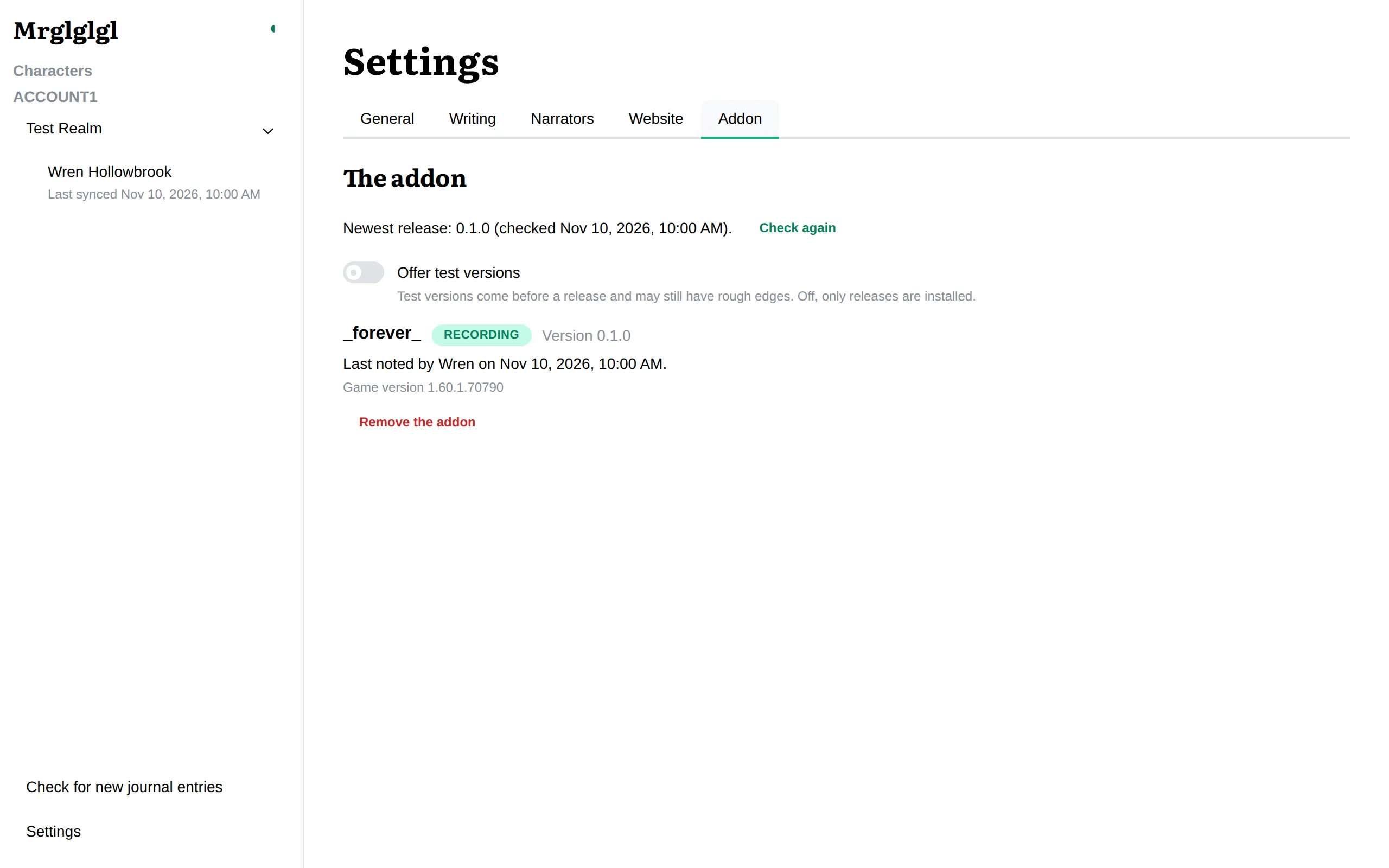
From there you can install the addon, update it, put back the previous version, or remove it.
- The app never changes the addon while the game is running.
- It writes only the addon’s own folder,
Interface/AddOns/Mrglglgl, and checks every download before anything is written. - Removing the addon removes only its folder: everything it recorded stays, in the game’s files and in the app. A copy is kept so you can put it back.
- A copy installed by an addon manager such as CurseForge, or by hand, is left alone unless you choose to replace it.
- Offer test versions also offers versions before they are released.